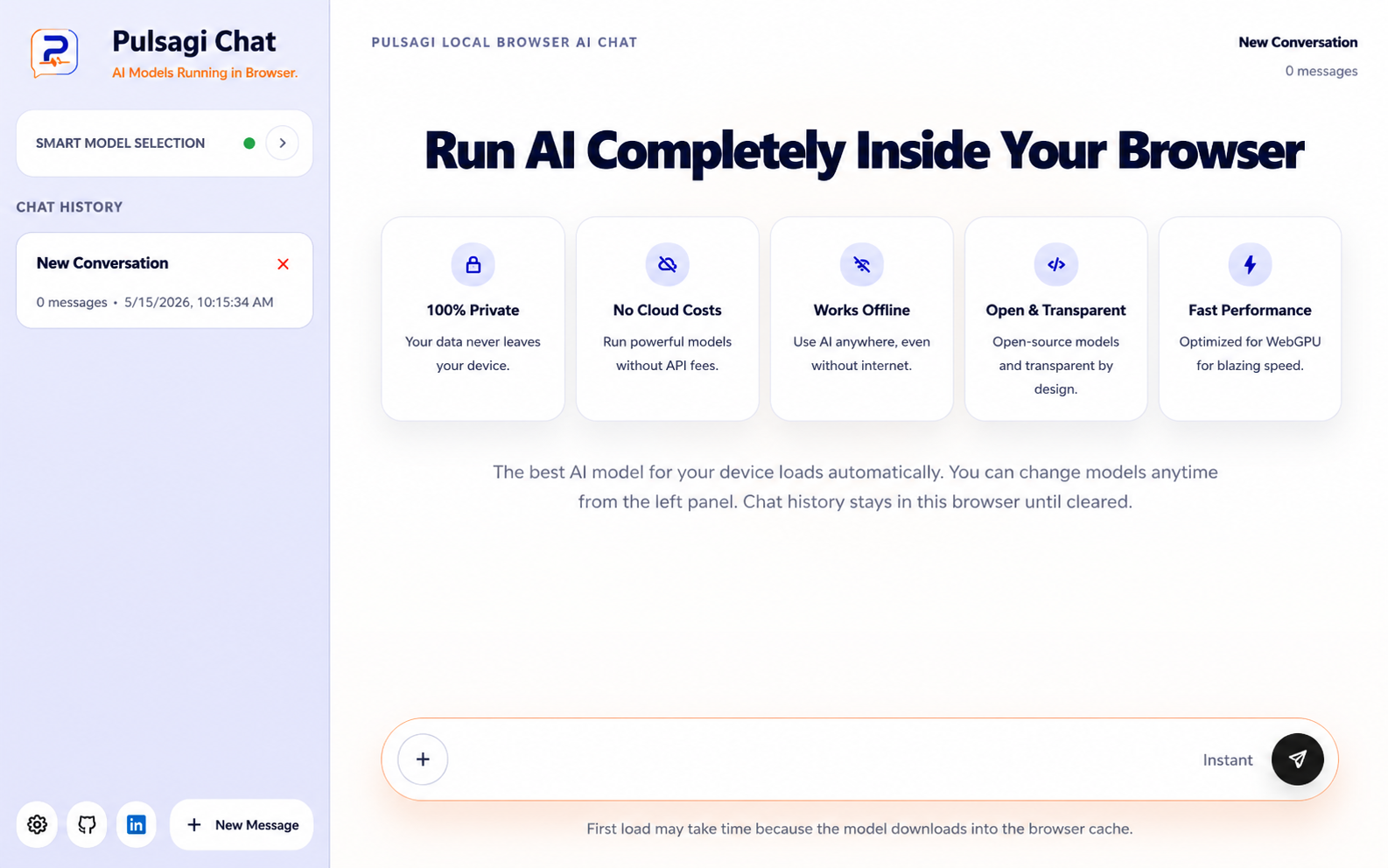
Private AI Chat and Practical Browser Tools
Pulsagi combines private AI chat that runs in your browser with practical tools for JSON, Salesforce workflows, scam checks, and everyday digital work.
Product Showcase
See Pulsagi in Action
Private AI chat, local browser AI, and practical browser tools in one focused workspace for modern digital work.
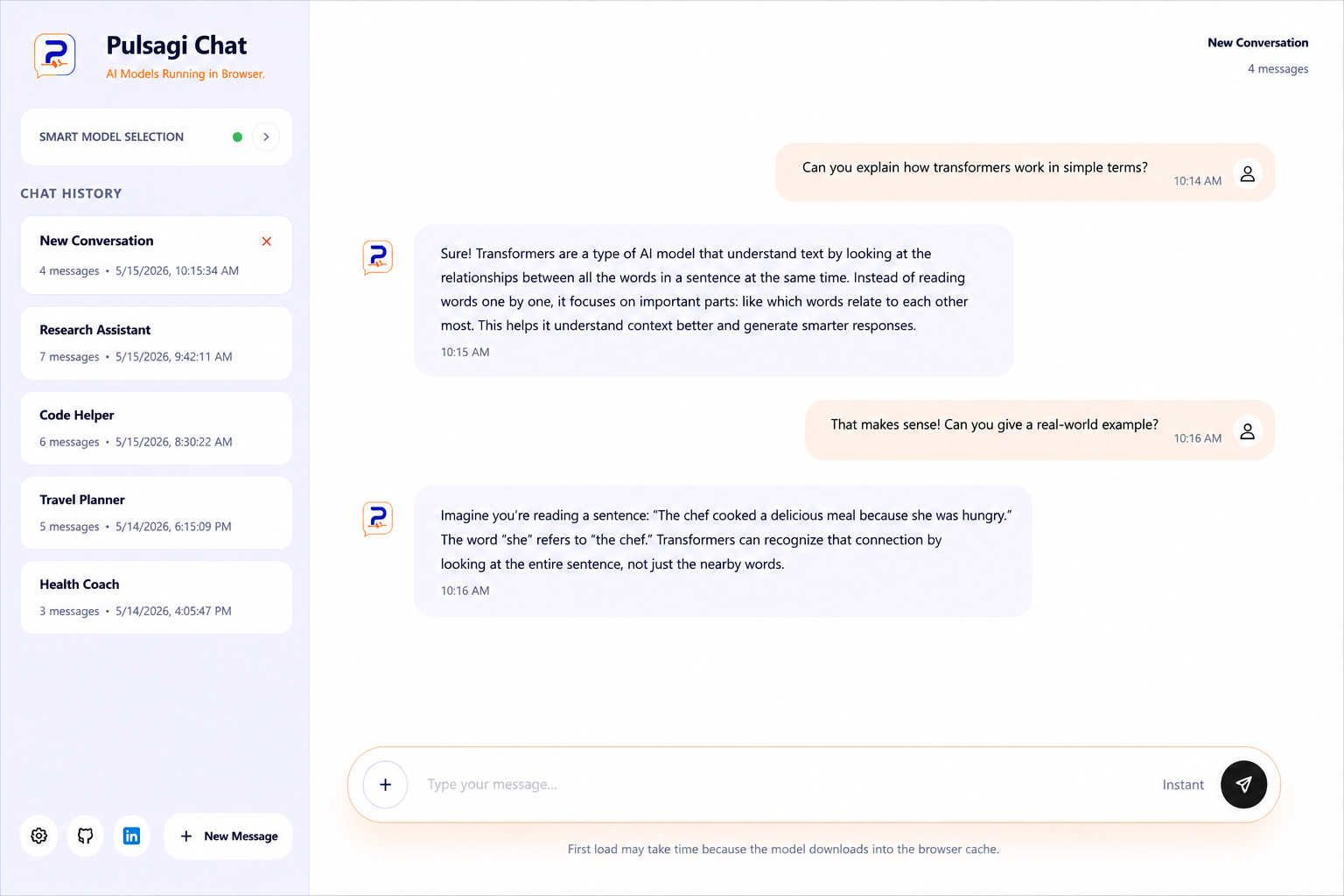
AI chat without sending every message to the cloud.
Most AI chat tools depend on remote servers. Pulsagi is built differently: Pulsagi Chat loads open models into your browser, runs inference locally when supported, and sits alongside a growing library of focused browser tools.
- No signup required to get started.
- Browser-based chat designed for local-first workflows.
- Powered by WebGPU and WebLLM where supported.
Why It Feels Different
Built around local-first AI, not cloud-first habits.
Pulsagi Chat is designed to feel premium without hiding the fundamentals. It focuses on privacy, clear behavior, and a setup that respects the browser as the runtime.
Private by Design
Your prompts and chat history are meant to stay inside the browser experience instead of being routed through a hosted chat backend.
Runs in the Browser
No desktop install and no server-side workspace needed. Open the app, load a supported model, and start working.
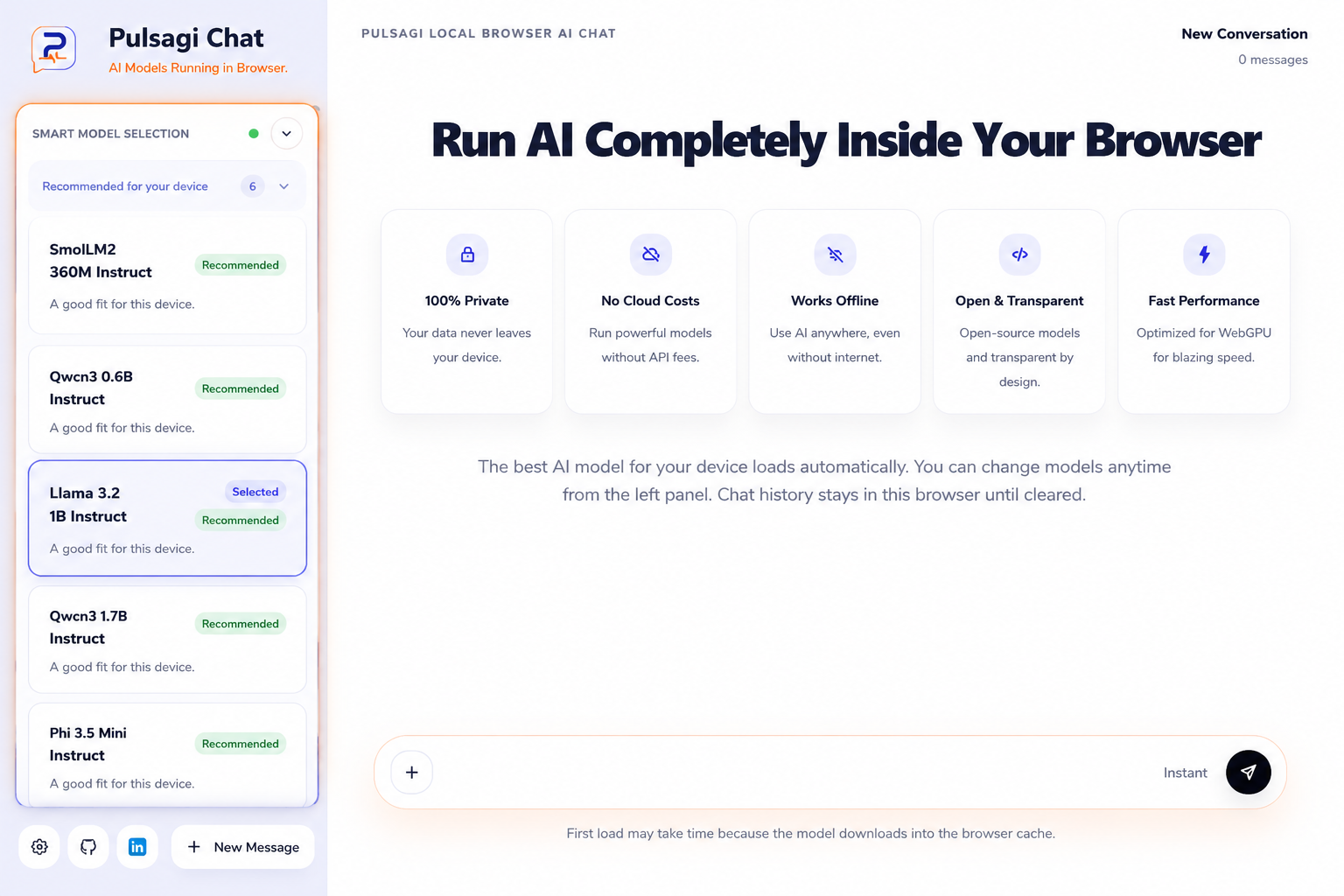
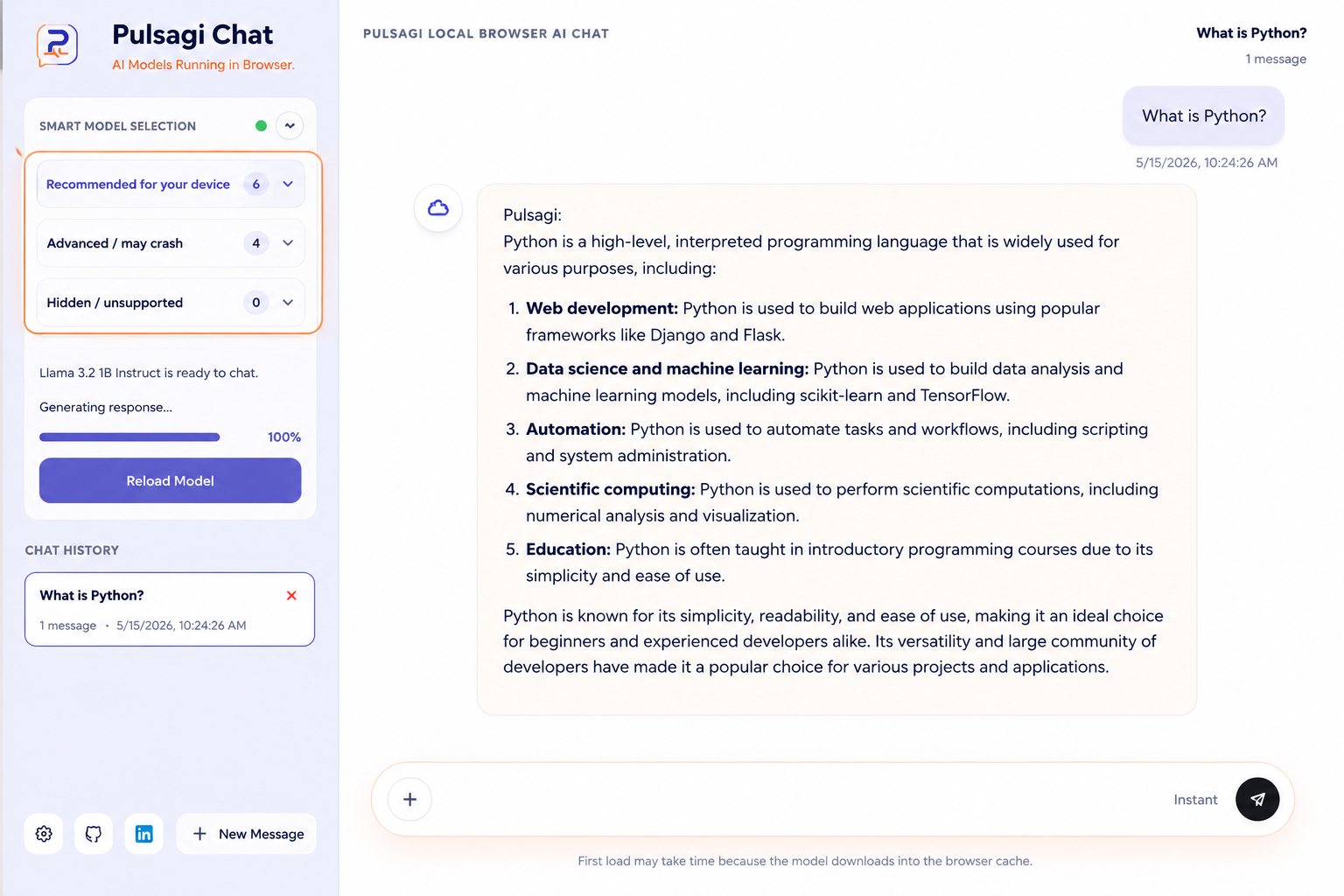
Smart Model Selection
Pulsagi checks compatibility and surfaces a model list that makes sense for the current browser and device.
Offline-Ready AI
After a model is downloaded into the browser cache, the experience is ready for low-connectivity or offline sessions.
No API Costs
Bring AI chat to the browser without a cloud inference bill attached to every message you send.
Open and Transparent
WebGPU, WebLLM, local inference, browser storage, and compatibility tradeoffs are part of the product story instead of being hidden away.
How It Works
Three steps to a private browser conversation.
01
Open Pulsagi Chat
Visit chat.pulsagi.com and start from a clean browser-first interface.
02
Load a Local Model
Pulsagi checks compatibility and loads a suitable model for the device and browser environment.
03
Start a Private Conversation
Chat locally while your history stays in your browser until you clear it.
Tools Ecosystem
More Than Chat: Practical Browser Tools for Digital Work
Pulsagi also includes focused browser tools and resources for developers and everyday tasks, from JSON utilities and Salesforce helpers to scam-checking workflows and practical guides.
JSON Viewer
Inspect, search, and visualize structured JSON quickly in the browser.
Open tool
JSON to TOON Conversion
Compress repeated JSON into a prompt-friendly format for faster sharing and review.
Open tool
Salesforce Apex Formatter
Format Apex and SOQL cleanly with a browser-based utility for quick editing.
Open tool
Governor Limit Analyzer
Spot Salesforce governor risks and review-heavy code paths faster.
Open tool
Debug Log Analyzer
Inspect Salesforce debug logs for hotspots, failures, and performance clues.
Open tool
Scam Checker
Review suspicious links, payment requests, fake jobs, and phishing content.
Open tool
Privacy
Built for Local-First AI
Pulsagi Chat is designed around a simple promise: your AI workspace should feel useful without feeling invasive.
Chat history stored locally
Clear history anytime
Local browser inference
Modern browser and WebGPU support
Offline-ready after first download
local workspace
private runtime
Browser storage
Conversation history stays local until the user clears it.
Model runtime
Inference runs in-browser when the device and browser support it.
Compatibility layer
WebGPU
WebLLM
On-device
Offline-ready
Comparison
Pulsagi Chat vs Typical Cloud AI Chat
A clearer model for people who want AI chat without defaulting to a remote chat service for every interaction.
Capability
Pulsagi Chat
Typical Cloud AI Chat
Runs in browser
Yes
Sometimes
Runs locally
Yes, when supported
Usually no
Works offline
After model download
Typically no
Requires API fees
No
Often yes
Data stays on device
Yes
Usually no
No signup required
Yes
Sometimes
FAQ
Questions people ask about Pulsagi Chat and browser tools.
Pulsagi Chat is positioned around browser-based, local-first inference, with chat history stored in the browser rather than handled by a cloud chat server.
No. Pulsagi Chat is designed so you can open it and begin without creating an account or adding an API key first.
The first session can take longer because the browser needs to download a compatible local model before inference can start. Later sessions are much faster once the model is cached.
Support depends on browser capabilities, available memory, and WebGPU readiness. Pulsagi Chat checks compatibility and helps users choose a sensible model for their setup.
No. Pulsagi Chat is now the main entry point, but the wider Pulsagi ecosystem still includes browser tools for JSON work, Salesforce workflows, scam checking, and practical online tasks.
Pulsagi includes practical browser tools and resources for digital work, including JSON utilities, Salesforce helpers, scam-checking workflows, and practical guides.
Yes. The Pulsagi tools are presented as browser-based experiences so people can open them directly on the web without setting up a separate desktop app first.
For the tools highlighted on the site, the experience is designed to be simple to open and use from the browser, without turning basic access into a signup-first workflow.
Start Now
Start a Private AI Conversation in Your Browser
Local-first AI chat with no account, no API key, plus a wider browser-based toolkit for practical digital work.