
Why this matters now
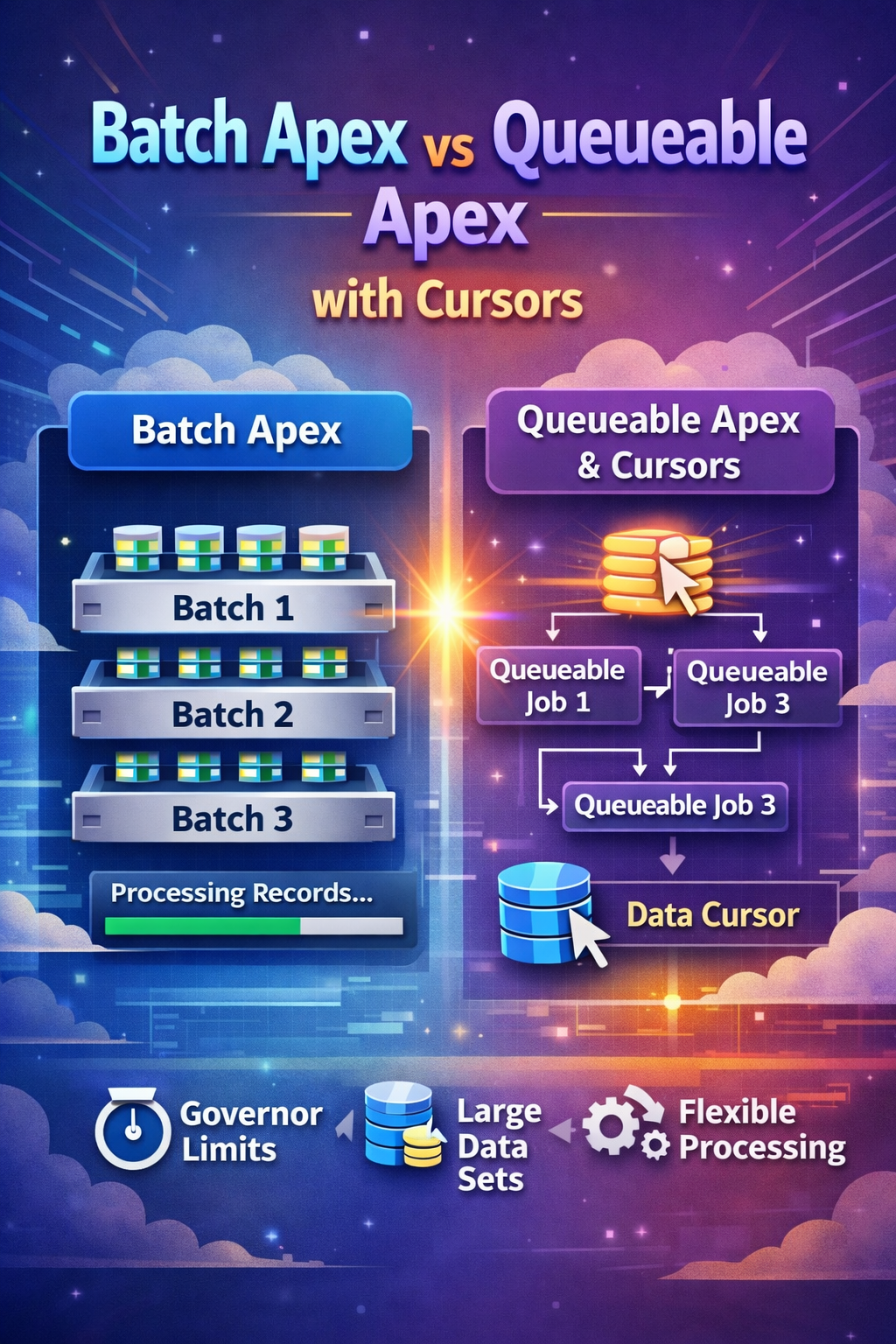
For a long time, the default answer to "how do we process a very large Salesforce data set?" was simple: use Batch Apex. That is still often the right answer. But Spring '26 made the conversation more interesting because Apex Cursors are now generally available in API v66.0, and Salesforce explicitly positions cursors plus chained Queueable jobs as a strong alternative for some large-volume workloads.
The key shift is not that Batch Apex became obsolete. The shift is that architects now have another native pattern for processing large SOQL result sets in smaller, controlled chunks without being locked into a fixed batch framework lifecycle.
Batch Apex
Batch Apex remains Salesforce's most established large-volume asynchronous processing model. It breaks work into chunks and executes each chunk in its own transaction, which is exactly why it has stayed useful for scheduled recalculation, cleanup, archive, and mass-update jobs.
Where it works well
- Nightly or weekly processing on large record sets.
- Uniform logic where each record costs roughly the same to process.
- Jobs that benefit from the built-in
start,execute, andfinishlifecycle. - Teams that want a mature and familiar support model.
Why teams still prefer it
- Per-scope transactions naturally reset many transaction-level limits.
- The operational model is well-known across most Salesforce teams.
Database.QueryLocatorremains a clean fit for classic bulk jobs.- Finalization logic fits naturally in
finish().
global class AccountRiskBatch implements Database.Batchable<SObject> {
    global Database.QueryLocator start(Database.BatchableContext bc) {
        return Database.getQueryLocator([
            SELECT Id, AnnualRevenue, Risk_Score__c
            FROM Account
            WHERE Type = 'Merchant'
        ]);
    }

    global void execute(Database.BatchableContext bc, List<Account> scope) {
        for (Account acc : scope) {
            acc.Risk_Score__c = acc.AnnualRevenue == null ? 0 : acc.AnnualRevenue / 100000;
        }

        if (!scope.isEmpty()) {
            update scope;
        }
    }

    global void finish(Database.BatchableContext bc) {
        System.debug('AccountRiskBatch completed');
    }
}
Queueable Apex
Queueable Apex is lighter than Batch Apex and usually easier to reason about. It is a strong fit when you want explicit async orchestration, the ability to pass state between jobs, or callout-friendly transaction boundaries without the full batch framework.
Before Spring '26, Queueable was already useful for targeted async work and step-by-step chaining. What changed is that Apex Cursors now let Queueable participate in large-result processing more naturally.
Strengths
- Simple single-
execute()structure. - Natural fit for chained jobs and orchestration logic.
- Easier to combine with callouts and downstream throttling rules.
- Good when you want explicit ownership of progress and retries.
Tradeoffs
- No native
finish()lifecycle hook. - You own more of the completion, retry, and monitoring design.
- Without cursors, it is not the best tool for very large query traversal.
public class MerchantSyncQueueable implements Queueable, Database.AllowsCallouts {
    private Set<Id> accountIds;

    public MerchantSyncQueueable(Set<Id> accountIds) {
        this.accountIds = accountIds;
    }

    public void execute(QueueableContext context) {
        List<Account> merchants = [
            SELECT Id, Name, External_Id__c
            FROM Account
            WHERE Id IN :accountIds
        ];

        // Call integration service, update sync status, log results
    }
}
Apex Cursors
Apex Cursors let you work through a large SOQL result set in pieces instead of pulling the full result at once. According to the Apex Developer Guide, cursors can traverse results in parts, fetch from specified positions, and be used with chained Queueable jobs as a powerful alternative to Batch Apex for some high-volume designs.
fetch() calls count against SOQL query limits, and the fetched rows count against query row limits.
What changed in Spring '26
- Apex Cursors are GA in API v66.0.
- Salesforce now highlights Cursor plus Queueable as a first-class async pattern.
- Architects can size chunks based on work cost instead of one fixed batch scope.
What makes them useful
- Process large result sets incrementally.
- Adjust chunk size to match CPU, DML, or callout pressure.
- Move through the result set by position instead of only a rigid forward scope.
- Track progress explicitly in application logic.
Database.Cursor cursor = Database.getCursor(
    'SELECT Id, Name, Industry FROM Account ORDER BY CreatedDate DESC'
);

List<Account> firstChunk = (List<Account>) cursor.fetch(0, 200);
A useful way to think about standard cursors is that they are position-based. You decide the offset and chunk size explicitly. That makes them good for controlled chunk processing even before you add Queueable chaining.
Database.Cursor cursor = Database.getCursor(
    'SELECT Id, Name FROM Account ORDER BY Name'
);

Integer position = 0;
Integer chunkSize = 100;

while (position < cursor.getNumRecords()) {
    List<Account> scope = cursor.fetch(position, chunkSize);

    // Process this chunk here.

    position += scope.size();
}
Cursor plus Queueable pattern
This is the most interesting new architecture pattern for many enterprise teams. Instead of handing the entire progression to Batch Apex, your code keeps track of cursor position, chooses the next chunk size, decides whether to continue, and can react to downstream conditions in real time.
Good fit
- Integration-heavy jobs where record cost is uneven.
- Dynamic throttling based on API response or error rate.
- Pipelines where progress tracking and custom retries matter.
- Workloads that benefit from smaller or variable transaction size.
What you must design
- Position tracking and stop conditions.
- Logging, retry behavior, and completion handling.
- Idempotency for partially completed chains.
- Operational visibility for support teams.
public class QueryChunkingQueueable implements Queueable {
    private Database.Cursor locator;
    private Integer position;

    public QueryChunkingQueueable() {
        locator = Database.getCursor(
            'SELECT Id FROM Contact WHERE LastActivityDate = LAST_N_DAYS:400'
        );
        position = 0;
    }

    public void execute(QueueableContext ctx) {
        List<Contact> scope = locator.fetch(position, 200);
        position += scope.size();

        // Do something with this chunk of records.

        if (position < locator.getNumRecords()) {
            System.enqueueJob(this);
        }
    }
}
The practical advantage here is adaptability. If some records trigger callouts, heavy validation, or external scoring while others are lightweight updates, a dynamic fetch strategy can be much easier to tune than a single fixed batch size.
Pagination cursor example
Salesforce also provides pagination cursors for scenarios where the main need is page-oriented navigation rather than background chunk processing. This is more relevant for UI and service-layer pagination than for async job orchestration.
Database.PaginationCursor pagCursor = Database.getPaginationCursor(
    'SELECT Id, Name FROM Account ORDER BY Name LIMIT 15'
);

Database.CursorFetchResult page = pagCursor.fetchPage(0, 5);
List<Account> records = (List<Account>) page.getRecords();

// Return records plus pagination state to the caller.Database.Cursor fits chunked processing, while Database.PaginationCursor is the better fit for page-based navigation patterns.
Side-by-side comparison
| Area | Batch Apex | Queueable plus Cursor |
|---|---|---|
| Processing model | Framework-managed batch execution. | Application-managed chaining and chunk retrieval. |
| Chunk size | Usually fixed for the run. | Can be tuned transaction by transaction. |
| Lifecycle | Built-in start, execute, finish. |
No native finish hook; you design completion logic. |
| Operational simplicity | Usually simpler for classic bulk jobs. | More flexible, but more custom responsibility. |
| Integration pressure control | Less adaptive once scope size is chosen. | Stronger when callout cost or downstream limits vary. |
| Best fit | Uniform, recurring, bulk transformations. | Adaptive, integration-heavy, or orchestration-heavy workloads. |
| Developer responsibility | Lower. Salesforce owns more of the mechanics. | Higher. Your code owns more of the orchestration model. |
Choose Batch Apex when
- The work is predictable and mostly uniform per record.
- You want the simplest native large-volume model.
- The support team already has a strong batch monitoring model.
Choose Queueable plus Cursor when
- You need to actively control chunk size and chaining.
- External systems or callouts create variable processing cost.
- You want custom progress, retry, or throttling behavior.
Limits and caveats
Salesforce documents several important cursor constraints, and they matter for architecture. A standard Apex cursor can represent up to 50 million rows. Fetch calls count against SOQL limits, fetched rows count against query row limits, and cursor-related daily or transaction limits should be monitored through the documented Limits and OrgLimits APIs.
// Create a standard cursor
Database.Cursor cursor = Database.getCursor(
    'SELECT Id, Name FROM Account LIMIT 20'
);
System.debug('Standard Cursors: ' +
    Limits.getApexCursors() + '/' + Limits.getLimitApexCursors());
System.debug('Standard Cursor Rows: ' +
    Limits.getApexCursorRows() + '/' + Limits.getLimitApexCursorRows());

// Fetch records
List<Account> batch1 = cursor.fetch(0, 10);
List<Account> batch2 = cursor.fetch(10, 10);

// Create a pagination cursor
Database.PaginationCursor pagCursor = Database.getPaginationCursor(
    'SELECT Id, Name FROM Account LIMIT 15'
);
System.debug('Pagination Cursors: ' +
    Limits.getApexPaginationCursors() + '/' + Limits.getLimitApexPaginationCursors());
System.debug('Pagination Cursor Rows: ' +
    Limits.getApexPaginationCursorRows() + '/' + Limits.getLimitApexPaginationCursorRows());

// Fetch a page
Database.CursorFetchResult page = pagCursor.fetchPage(0, 5);

// Shared fetch call limit
System.debug('Fetch Calls: ' +
    Limits.getFetchCallsOnApexCursor() + '/' + Limits.getLimitFetchCallsOnApexCursor());

// Daily org limits
Map<String, System.OrgLimit> limitMap = OrgLimits.getMap();

System.OrgLimit dailyCursorLimit = limitMap.get('DailyApexCursorLimit');
System.debug('Daily Cursors: ' +
    dailyCursorLimit.getValue() + '/' + dailyCursorLimit.getLimit());

System.OrgLimit dailyPCursorLimit = limitMap.get('DailyApexPCursorLimit');
System.debug('Daily Pagination Cursors: ' +
    dailyPCursorLimit.getValue() + '/' + dailyPCursorLimit.getLimit());

System.OrgLimit dailyRowsLimit = limitMap.get('DailyApexCursorRowsLimit');
System.debug('Daily Cursor Rows: ' +
dailyRowsLimit.getValue() + '/' + dailyRowsLimit.getLimit());- Batch Apex still gives you a very clean per-scope limit reset model.
- Cursor plus Queueable gives you more control over how much work enters each transaction.
- The extra flexibility is useful only if you also design logging, retries, and idempotency carefully.
- If your team does not need adaptive behavior, Batch Apex may still be the better operational choice.
Recommendation
- Use Batch Apex for classic large-volume recalculation, cleanup, archive, and scheduled transformation work.
- Use Queueable Apex for targeted async orchestration where the record set is already bounded.
- Use Queueable plus Apex Cursor when you must traverse very large SOQL results while controlling chunk size, retries, and downstream behavior more deliberately.
- Keep observability first-class by storing progress, correlation IDs, error counts, and completion state in a support-friendly model.
References
This article aligns with Salesforce's official Spring '26 and Apex documentation describing Apex Cursors as generally available in API v66.0, positioning them as a strong Queueable-based alternative for some large-volume jobs, and documenting their limit model.