
Introduction
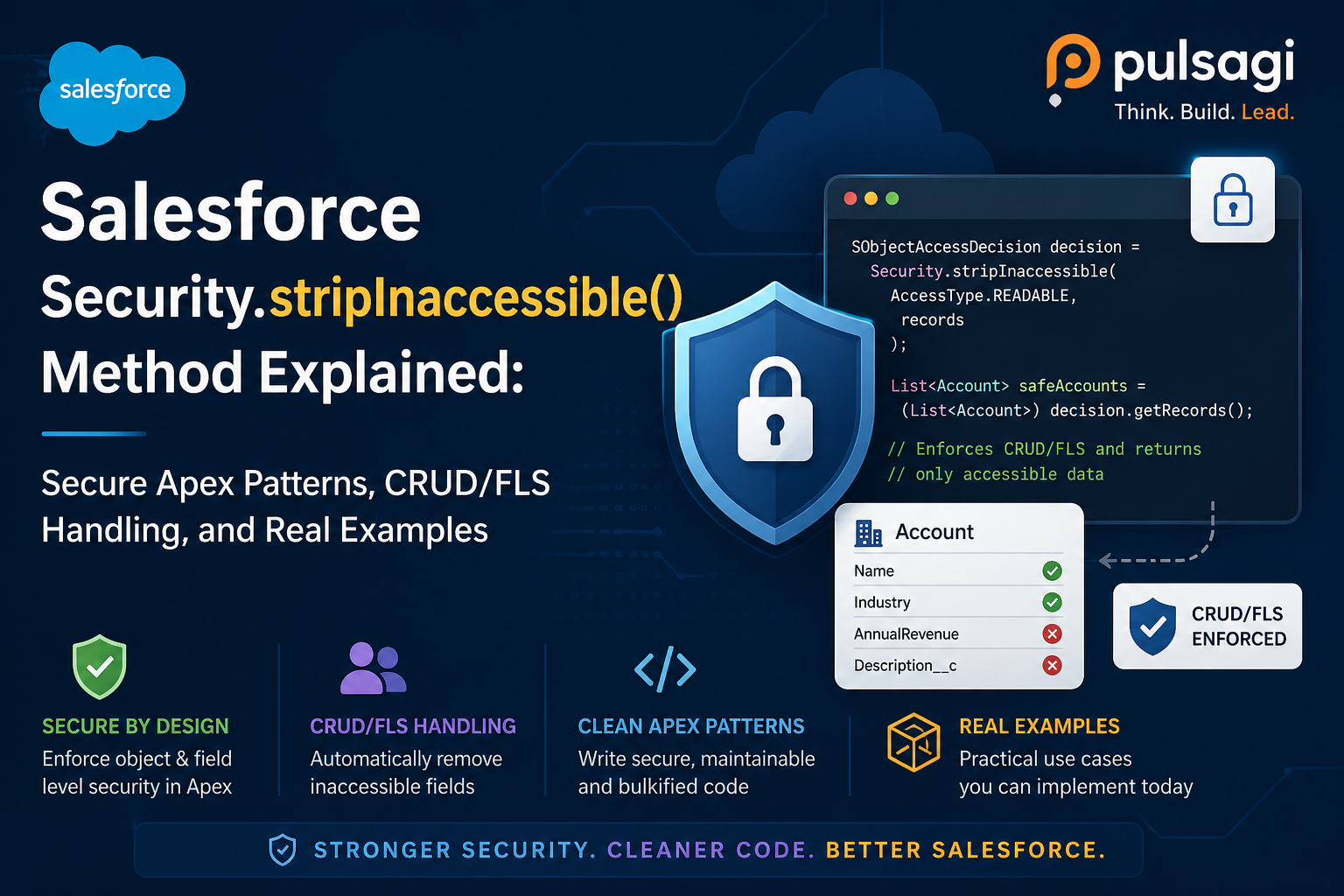
Salesforce Apex runs in system mode by default, which means your code can easily read or write fields a user should not access unless you deliberately enforce security. Security.stripInaccessible() exists for exactly that problem. It lets you sanitize records by removing fields the current user should not see or update.
What makes this method especially valuable is its behavior under failure conditions. Instead of throwing an exception the moment one field is inaccessible, it can remove that field and let the broader operation continue. That makes it highly useful for user-facing applications, service layers, integration payloads, and AI-assisted code where graceful degradation is better than a complete stop.
stripInaccessible() when you need CRUD and field-level security enforcement, but you do not want every access issue to abort the entire request.
What stripInaccessible() actually is
Security.stripInaccessible() is an Apex method that checks a list of sObjects against the current user's object and field permissions, then returns a cleaned version of those records. Fields the user cannot access for the intended operation are removed from the returned records.
Salesforce documentation and developer guidance highlight three core uses. You can strip inaccessible fields from query results before returning data, remove disallowed fields before DML to avoid failures or data leakage, and sanitize records deserialized from an untrusted source before processing them further.
Why it matters
There are many real production paths where exception-first security is not the best user experience. Imagine a support console that should still load most of a record even if one sensitive field is hidden, or an integration update where a few blocked fields should be dropped while the permitted fields still save correctly.
This is also where the method becomes highly relevant for teams using AI tools to generate Apex. AI-written service methods often focus on object shape and DML success, but not on how a restricted user experiences that code. stripInaccessible() gives reviewers a cleaner way to harden those paths without rewriting everything into manual describe checks.
Method signature and key features
Security.stripInaccessible(
    System.AccessType accessCheckType,
    List<SObject> sourceRecords,
    Boolean enforceRootObjectCRUD
)
Salesforce's Spring '20 guidance describes the method as returning an SObjectAccessDecision. The most important pieces developers actually use are getRecords(), which returns the sanitized records, and getRemovedFields(), which tells you what fields were stripped.
Access types
READABLEfor read paths and query results.CREATABLEbefore insert logic.UPDATABLEbefore update logic.UPSERTABLEfor upsert scenarios.
Important behaviors
- The original source list is not mutated; use
getRecords()from the returned decision object. enforceRootObjectCRUDdefaults totrue.- If object-level access fails and root CRUD is enforced, the method can throw an exception.
- Relationship fields and subquery results can also be stripped when the user lacks access.
Example for query results
This is one of the cleanest uses of the method. Query the records, strip inaccessible fields with READABLE, then return only the sanitized list.
public with sharing class ExpenseQueryService {
    public static List<Expense__c> getExpenses() {
        List<Expense__c> rawExpenses = [
            SELECT Id, Name, Amount__c, Internal_Notes__c, Owner.Name
            FROM Expense__c
            ORDER BY CreatedDate DESC
            LIMIT 50
        ];

        SObjectAccessDecision decision =
            Security.stripInaccessible(AccessType.READABLE, rawExpenses);

        return (List<Expense__c>) decision.getRecords();
    }
}
This pattern is especially useful when a page should still render even if some fields are restricted. It also gives you the option to inspect decision.getRemovedFields() and log or surface a controlled warning.
Example before DML
Before insert or update, the method can remove fields the user should not write. That means the broader DML can still succeed for allowed data instead of failing on a single blocked field.
public with sharing class ContactUpdateService {
    public static void saveContacts(List<Contact> incomingContacts) {
        SObjectAccessDecision decision =
            Security.stripInaccessible(
                AccessType.UPDATABLE,
                incomingContacts
            );

        List<Contact> safeContacts = (List<Contact>) decision.getRecords();

        if (!safeContacts.isEmpty()) {
            update safeContacts;
        }
    }
}
This is the area where stripInaccessible() is often better than WITH SECURITY_ENFORCED, because that older clause does not help with DML at all.
Example for untrusted input
Another valuable use case is sanitizing records after deserialization. If an external system or client sends fields the user should not touch, you should clean the payload before persisting or reusing it.
public with sharing class CasePayloadService {
    public static void processPayload(String payloadJson) {
        List<Case> incomingCases =
            (List<Case>) JSON.deserialize(payloadJson, List<Case>.class);

        SObjectAccessDecision decision =
            Security.stripInaccessible(
                AccessType.CREATABLE,
                incomingCases
            );

        List<Case> safeCases = (List<Case>) decision.getRecords();
        insert safeCases;
    }
}
This is especially important in integration-heavy orgs, custom REST services, and AI-assisted workflows where untrusted input might contain more fields than the user or calling context should really be able to set.
Comparison with WITH SECURITY_ENFORCED and WITH USER_MODE
These three security tools overlap, but they are not interchangeable. The best choice depends on whether you want exception-first security or graceful degradation, and whether the operation is read-only or includes DML.
| Feature | WITH SECURITY_ENFORCED | stripInaccessible() | WITH USER_MODE |
|---|---|---|---|
| Type | SOQL clause | Apex method | SOQL, SOSL, and DML access mode |
| Action on no field access | Throws exception | Strips inaccessible fields from returned records | Throws exception |
| CRUD and FLS support | Yes, for secure reads | Yes | Yes |
| Sharing rules | No, not by itself | No, not by itself | Yes |
| DML support | No | Yes | Yes |
| Best fit | Legacy secure read queries | Graceful degradation and sanitization | Modern user-context operations |
If you want a strict fail-fast query, see WITH SECURITY_ENFORCED. If you want the operation to behave fully like the user, including sharing and DML, see WITH USER_MODE. If you want to strip bad fields and continue safely, stripInaccessible() is usually the better fit.
Use cases
- User-facing pages and APIs: return as much safe data as possible without leaking restricted fields.
- Bulk update services: drop disallowed fields before DML instead of failing the whole batch for field-level access reasons.
- Integration sanitization: clean payloads before save when external systems send over-permissioned fields.
- AI-generated Apex hardening: secure generated service logic without expanding into large describe-check blocks.
- Admin-friendly operations: preserve business flow even when different profiles have different field visibility.
Admin and developer perspective
Admins usually appreciate this method because it keeps permission design meaningful without forcing the application to break on every restricted field. A support user can still work with a record while sensitive fields remain hidden, which is often exactly what the business wants.
Developers appreciate it because it reduces verbose security plumbing and gives a clear, reusable pattern for secure reads and writes. It also creates a cleaner path for exception handling. Instead of wrapping every access violation in custom logic, the developer can decide when stripped fields are acceptable and when the missing data should trigger a controlled warning.
Best practices
- Always use the returned records. The original list is not sanitized in place.
- Choose the right access type. Use
READABLEfor returned data and the matching write access type before DML. - Inspect removed fields when the business impact matters.
getRemovedFields()helps you log or explain partial results. - Pair it with explicit sharing on the class. This method handles object and field access, not record sharing by itself.
- Use it when graceful degradation is a feature, not a bug. If the requirement is to fail loudly on any access issue, WITH USER_MODE or WITH SECURITY_ENFORCED may be better.
- Sanitize untrusted payloads early. Do not wait until just before DML if downstream logic might already use unsafe fields.
- Test with restricted users. Good permission tests are essential because admin-level tests will not reveal stripped-field behavior.
Limitations
The biggest limitation is scope. stripInaccessible() does not enforce record-level sharing rules by itself. If the operation must also respect who can see which records, you still need correct sharing behavior on the class or a user-mode data operation where appropriate.
The second limitation is behavioral. Because the method strips fields instead of always failing, teams must think carefully about whether partial success is really acceptable. In some processes, silent field removal is helpful. In others, it can hide a configuration problem the business actually wants surfaced.
The third limitation is architectural. This method is powerful, but it is not a substitute for good data minimization, good service boundaries, or secure API design. It is one tool in the Apex security model, not the entire model.
Recommendation
Use Security.stripInaccessible() when your Apex needs object and field protection with graceful degradation. It is especially strong for sanitizing query results, cleaning records before DML, and hardening deserialized input.
If you want strict exception-first behavior for a query, consider WITH SECURITY_ENFORCED. If you want the whole database operation to behave in the user's context, including sharing, prefer WITH USER_MODE. In practice, many mature orgs use all three patterns, each for a different job.